Codioo
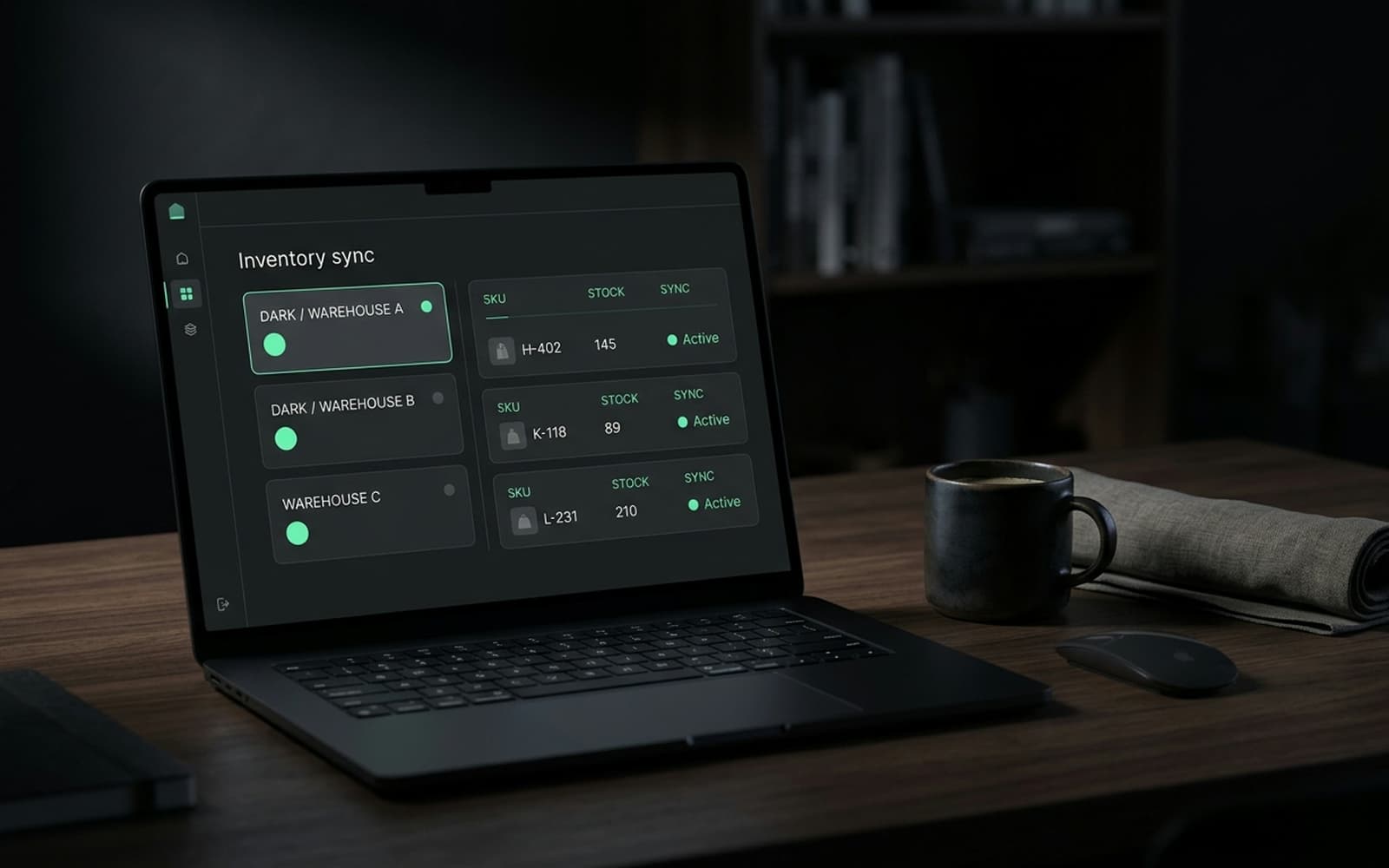
A dark operations dashboard showing live data flows between a store and backend systems.

Shopify Salesforce integration your sales team will actually use

Customers, orders, consent and segments flowing into Sales or Service Cloud, with de duplication rules that keep the customer master sane. Service agents stop toggling screens to answer one question.

140 stores built, 8 years on the platform, senior engineers only

Codioo integrates Shopify with Salesforce Sales and Service Cloud: customers sync both ways with de duplication, order history lands against the right accounts, consent flows correctly, and segments reflect what customers actually did. Integrations start at $3,500, run three to five weeks, and respect your org's existing objects, fields and permission model.

What flows between Shopify and Salesforce

Salesforce integrations live or die on respecting the org's existing shape.

Customers and accounts

Both ways

Person accounts or business accounts sync with field mapping and de duplication you approve, so the customer master stays single.

Orders

Shopify to Salesforce

Order history attaches to accounts as opportunity or custom object records, giving sales and service the full picture inline.

Consent

Both ways

Marketing permissions sync in both directions with audit trail, because privacy law does not forgive drift.

Segments and lists

Salesforce to activation

CRM segments drive Klaviyo and ad audiences from real purchase behaviour instead of hand maintained lists.

Quotes for B2B

Salesforce to Shopify

Quotes drafted in Salesforce convert to Shopify draft orders with the right price list applied.

Service context

Shopify to Service Cloud

Agents see orders, fulfilment state and returns inside the case view, which ends the three screen shuffle.

Integration options

Three ways to connect Shopify and Salesforce

Connector quality is good here, so the decision is mostly about logic and volume.

Option 1

Native connector

Salesforce's Shopify connector or ecosystem apps: quick, covers standard objects, and stops where your custom objects and rules begin.

Option 2

iPaaS

Middleware with mature Salesforce adapters. Suits orgs adding several systems over time, with subscriptions scaling on records synced.

Option 3

Custom build

Direct integration on the Shopify APIs and Salesforce Platform APIs, with your object model, de duplication rules and consent handling. Yours, and cheapest at record volume.

Comparison of native connector, iPaaS and custom API integration
FactorNative connectoriPaaSCustom API build
Upfront costLowestMediumHighest
Ongoing costLowPer record subscriptionsHosting only
Custom objectsPartialGoodComplete
De duplication controlBasicRules basedExactly your rules
Consent auditingStandardStandardBuilt to your policy
Best forStandard objectsMulti system growthComplex orgs

The architecture, briefly

The mapping decisions that take the longest are never technical. Whether a wholesale buyer is one account with two contacts or two accounts. Which system owns a customer's address after they update it at checkout. How a merged duplicate keeps its order history. The flow audit turns each of these into a written rule with an owner, because the code is easy once the business has decided, and endless when it has not.

Reporting is where CRM integrations prove their worth or expose their gaps. The sync carries order data at the granularity your dashboards actually use, aggregated for executive views and detailed for service context, so nobody exports to a spreadsheet to answer a pipeline question. If a report cannot be built on synced data, that is a scope conversation, not a workaround.

On timelines: three to five weeks assumes sandbox access to a copy of your org schema and a named Salesforce owner on your side for field mapping decisions. The schedule stretches precisely when those two are missing, which is why we ask for both in the kickoff and why engagements with them finish early more often than late.

They fail on identity. Without deliberate de duplication, every guest checkout creates a near duplicate, matches go stale, and within a quarter the customer master is a swamp nobody trusts. We treat identity as the first design decision: matching keys, survivorship rules for conflicts, and a review queue for records the rules cannot resolve automatically. It is unglamorous work that decides whether the integration is an asset or a liability.

They also fail on scope creep disguised as sync: every field someone might someday want, flowing nightly, slow and fragile. We scope to the fields sales and service actually read, sync them in near real time, and add fields by request with a change note. A CRM integration that is fast, partial and trusted beats one that is slow, total and ignored.


How the data flows between Shopify and Salesforce
Diagram of customer, order and consent data flowing between Shopify and Salesforce.

How the shopify salesforce integration project runs

The same spine every time, sized to Salesforce. Each step ends with something you can read, click or sign.

  1. Step 1

    Week 1

    Flow audit

    We map what actually happens today: data owners, volumes, timing, failure rituals. Ends with the fixed quote and the migration matrix.

  2. Step 2

    Week 1

    Route decision

    Native, iPaaS or custom, costed over three years at your volumes, written down and signed before anything is bought or built.

  3. Step 3

    Weeks 2 to 4

    Build against sandbox data

    Flows implemented with idempotency, retries and reconciliation from the first commit, rehearsed on shaped copies of your records.

  4. Step 4

    Week 4 or 5

    Failure drills

    We pull the plug deliberately: the target system slow, the network gone, a record malformed. The queue catches it, the alert names it, the runbook answers it.

  5. Step 5

    1 to 2 weeks

    Parallel run

    New sync and old process run together while daily reconciliation compares them. Switch off the old way only when the report is boring.

  6. Step 6

    Ongoing

    Care and version tracking

    Monitoring, reconciliation reviews and API release tracking for both ends, so upgrades land as maintenance instead of incidents.

Five signs your Salesforce sync is quietly rotting

CRM integrations degrade as data volume and org complexity grow. These symptoms show up in audits long before anyone calls them failures.

Duplicate accounts multiply

Guest checkouts and B2B contacts creating near matches means the identity rules are missing or too loose. Every month of drift costs cleanup effort and trust.

Sales quotes from stale data

If reps refresh order history by asking the ecommerce team, the sync does not carry what the field actually needs, which is order context on the account.

Segments drift from reality

Marketing lists built on hand maintained fields instead of synced order behaviour decay quietly, and campaign performance decays with them.

Consent states disagree

Shopify and Salesforce showing different marketing permissions is a compliance incident waiting for a regulator, not an IT ticket.

The sync is a black box

Nobody can answer which objects flow, on what trigger, with what rules. Undocumented integrations become untouchable, then unmaintainable, then gone.

Monitoring and reconciliation, in plain words

Every integration we ship carries the same three safety nets, regardless of route. First, alerting: when a record fails, the alert names the record and the reason, so your ops team fixes data, not code. Second, retries with a dead letter list: transient failures resolve themselves, and stubborn ones queue for a person instead of disappearing.

Third, daily reconciliation: a one page report comparing both systems on the trailing window, listing every mismatch. It is the difference between trusting a sync and hoping about it, and it is why finance teams become the integration's biggest fans after month end stops being a data entry project.

What your ops team sees

  • One screen of open exceptions, grouped by reason
  • A daily email that is boring when everything is fine
  • A runbook that says what to do for each failure type
  • Quarterly access and scope reviews in the care plan

Timeline and cost

Salesforce integration cost and timeline

Priced by object scope and identity complexity.

Project typePrice fromTimelineWhat is included
Customer and order sync$3,5003 to 4 weeksAccounts, orders, field mapping, de duplication
Full org integration$6,0004 to 6 weeksConsent, segments, quotes, service context
Salesforce care plan$500/moOngoingMonitoring, API release tracking, fixes

Updated 2026-09-21. Prices in USD, fixed per signed scope. The cost guide covers what moves integration pricing.

Case study

Shopify Salesforce integration FAQ

The questions ops and finance teams ask before signing.

Can you sync Shopify to HubSpot instead?
Yes, HubSpot is a common target with the same shape: contacts, deals or custom objects for orders, consent and lists. The identity discipline matters just as much there. Tell us your CRM in the audit and the flow map comes back shaped for it.
How do you handle person accounts versus business accounts?
It is a modelling decision we make with you in week one, because it changes matching keys and every downstream object. DTC heavy brands usually want person accounts, B2B heavy brands want business accounts with contacts, and mixed brands need explicit rules we write down and test.

Get a fixed quote for your shopify salesforce integration

Tell us your systems and volumes. Within one business day you get the flow map, the recommended route (native, iPaaS or custom) and a fixed price.

Stores built
140
Reply time
Within one business day
Cost
Free, no obligation

No obligation. We reply within one business day with next steps.