Codioo
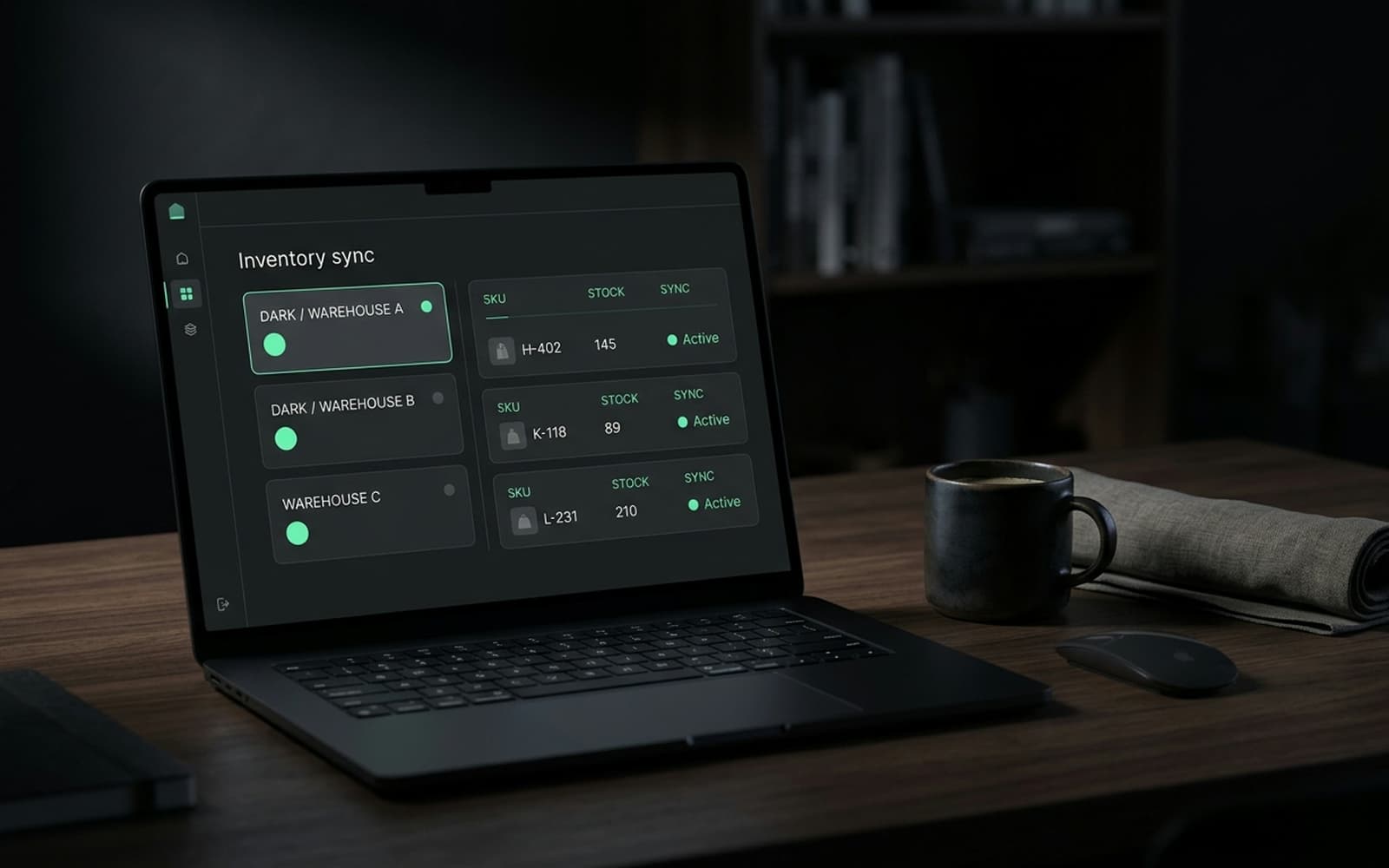
A dark operations dashboard showing live data flows between a store and backend systems.

Shopify NetSuite integration that finance and operations trust

Orders, inventory, customers and prices flowing between Shopify and NetSuite with queueing, retries and daily reconciliation. Built on SuiteTalk or the REST APIs, owned by you.

140 stores built, 8 years on the platform, senior engineers only

Codioo builds Shopify NetSuite integrations: orders flow to NetSuite with payment and shipping detail in minutes, inventory and price lists flow back per location, and customers sync both ways with de duplication. Builds start at $6,000, run five to eight weeks, and ship with queueing, retries, daily reconciliation and alerts, because a sync nobody can verify is a sync nobody trusts.

What syncs between Shopify and NetSuite

Four data domains, each with a direction of truth. Everything else is deliberately left alone.

Orders

Shopify to NetSuite

Every order, including payment detail, shipping method, discounts and tax, lands as a NetSuite sales order within minutes of payment.

Inventory

NetSuite to Shopify

Stock levels per location flow back as they change, aggregated the way your Shopify locations map to NetSuite warehouses.

Customers

Both ways

Customer records sync with de duplication rules, so NetSuite's customer master stays authoritative while Shopify keeps accounts usable.

Prices

NetSuite to Shopify

Price lists flow to Shopify as catalogue prices or B2B per customer group pricing, on schedule or on change.

Fulfilment

NetSuite to Shopify

Item fulfilments in NetSuite close the loop as Shopify fulfilments, triggering customer notification and tracking.

Ledger entries

Shopify to NetSuite

Settlements, refunds and fees post as journal entries your finance team maps to their chart of accounts.

Integration options

Three ways to connect Shopify and NetSuite

The right answer is arithmetic, and we show it in the audit with your volumes.

Option 1

Native connector

NetSuite's own connector or a marketplace app. Cheapest and fastest, with field mappings and schedules you cannot change. Suits standard flows at moderate volume, and shows its limits as red badges with no detail.

Option 2

iPaaS (Celigo, Boomi)

Managed middleware with prebuilt connectors for both ends. Configuration over code, monitoring included, subscription fees that scale with volume. Suits multi system estates and teams who prefer no codebase to own.

Option 3

Custom API build

A small service consuming Shopify webhooks and writing to SuiteTalk or NetSuite's REST APIs with your rules. Highest day one cost, lowest long run cost at volume, fully yours, with behaviour documented in your runbook.

Comparison of native connector, iPaaS and custom API integration
FactorNative connectoriPaaSCustom API build
Upfront costLowestMediumHighest ($6,000+)
Ongoing costLowSubscription scaling with volumeHosting only
Custom logicNoneLimited to platform rulesUnlimited
Sync frequencyScheduledNear real timeNear real time
Error handlingBadge, no detailQueues and dashboardsYour queue, alerts and runbook
OwnershipVendorVendorYou
Best forStandard flows, low volumeMany systems, fast setupVolume, logic, control

The architecture, briefly

The mapping decisions that take the longest are never technical. Which system masters a customer record after a phone order in NetSuite and a web order the same afternoon. Whether a bundle is one item or five in the ledger. Which NetSuite location feeds which Shopify buffer. The flow audit turns each of these into a written rule with an owner, because the code is easy once the business has decided, and endless when it has not.

Subsidiaries deserve their own sentence, because they are where clean NetSuite integrations go to get complicated. If your org runs multiple subsidiaries or nexus registrations, order routing, tax posting and settlement reconciliation all need explicit rules per entity, agreed with finance before build. The flow audit produces that mapping as a signed artefact, which is considerably cheaper than discovering an undocumented subsidiary during peak season reconciliation.

Security and access follow the principle of least privilege. The integration uses a dedicated integration role in NetSuite with permissions scoped to exactly the records it touches, credentials in your vault, and a quarterly access review as part of the care plan. No shared logins, no admin role because it was convenient, and a written answer to the auditor question of who can change what.

Architecture is deliberately dull. Shopify webhooks (orders, inventory, customers) arrive at a small service, verified by HMAC, and land in a queue. Workers apply your rules: order mapping, SKU translation, location aggregation, tax treatment. They write to NetSuite through SuiteTalk or the REST APIs with idempotency keys, so a redelivery can never double post. Failures retry with backoff, then surface on an exceptions screen naming the record and reason. NetSuite's schedulable scripts handle the return legs, pushing inventory and price changes onto the same queue in the opposite direction.

Reconciliation is the feature clients underestimate and value most. Every day, the integration compares order counts and sums between systems for the trailing window, inventory levels per SKU per location, and open exceptions, then emails a one page report. Finance stops trusting the sync on faith and starts trusting it on evidence. Month end changes from data entry to review, which for most teams is the entire business case.

Cutover is a parallel run. For two weeks the old process (usually an export ritual) runs alongside the new sync, and the reconciliation report compares them daily. When the report is boring for ten consecutive days, you switch off the old process. Rollback is keeping the old ritual warm, which costs nothing because it was already there.


How the data flows between Shopify and NetSuite
Diagram of orders, inventory, customers and prices syncing between Shopify and NetSuite.

How the shopify netsuite integration project runs

The same spine every time, sized to NetSuite. Each step ends with something you can read, click or sign.

  1. Step 1

    Week 1

    Flow audit

    We map what actually happens today: data owners, volumes, timing, failure rituals. Ends with the fixed quote and the migration matrix.

  2. Step 2

    Week 1

    Route decision

    Native, iPaaS or custom, costed over three years at your volumes, written down and signed before anything is bought or built.

  3. Step 3

    Weeks 2 to 4

    Build against sandbox data

    Flows implemented with idempotency, retries and reconciliation from the first commit, rehearsed on shaped copies of your records.

  4. Step 4

    Week 4 or 5

    Failure drills

    We pull the plug deliberately: the target system slow, the network gone, a record malformed. The queue catches it, the alert names it, the runbook answers it.

  5. Step 5

    1 to 2 weeks

    Parallel run

    New sync and old process run together while daily reconciliation compares them. Switch off the old way only when the report is boring.

  6. Step 6

    Ongoing

    Care and version tracking

    Monitoring, reconciliation reviews and API release tracking for both ends, so upgrades land as maintenance instead of incidents.

Five signs your NetSuite integration needs rebuilding

A failing integration rarely announces itself. These are the symptoms we find in audits, in the order they usually appear.

The sync runs on a schedule, not events

Hourly or nightly cron jobs are the leading indicator. Event driven sync lands records in minutes; scheduled sync guarantees staleness windows that grow with your volume.

Someone babysits an error log

If a person checks a dashboard every morning to catch failed records, the integration has already failed. Queues with named, actionable alerts are the fix.

Reconciliation is a spreadsheet

When daily comparison of the two systems lives in a workbook, trust has been outsourced to copy paste. Reconciliation should be a report the integration writes.

Peak season needs a human valve

If order volume spikes require pausing the sync or throttling by hand, the design lacks backpressure. Peaks should be boring, not staffed.

API version deadlines surprise you

NetSuite and Shopify both deprecate API versions on published schedules. If an upgrade ever arrived as an outage, nobody is tracking versions on your behalf.

Monitoring and reconciliation, in plain words

Every integration we ship carries the same three safety nets, regardless of route. First, alerting: when a record fails, the alert names the record and the reason, so your ops team fixes data, not code. Second, retries with a dead letter list: transient failures resolve themselves, and stubborn ones queue for a person instead of disappearing.

Third, daily reconciliation: a one page report comparing both systems on the trailing window, listing every mismatch. It is the difference between trusting a sync and hoping about it, and it is why finance teams become the integration's biggest fans after month end stops being a data entry project.

What your ops team sees

  • One screen of open exceptions, grouped by reason
  • A daily email that is boring when everything is fine
  • A runbook that says what to do for each failure type
  • Quarterly access and scope reviews in the care plan

Timeline and cost

NetSuite integration cost and timeline

Custom build pricing. Native and iPaaS routes are costed in the audit with their three year totals.

Project typePrice fromTimelineWhat is included
NetSuite integration, standard flows$6,0005 to 6 weeksOrders, inventory, customers, reconciliation, alerts, runbook
NetSuite with B2B pricing$8,0006 to 8 weeksPrice lists per customer group, quotes, approvals
NetSuite care plan$600/moOngoingMonitoring, reconciliation reviews, API updates

Updated 2026-09-21. Prices in USD, fixed per signed scope. The cost guide covers what moves integration pricing.

Case study

Shopify NetSuite integration FAQ

The questions ops and finance teams ask before signing.

Do we need a NetSuite sandbox?
Yes, for a custom build. Sandbox access lets us rehearse against your real record shapes, tax configuration and subsidiary structure instead of test data that resembles nothing. It is the single biggest schedule dependency: projects with a sandbox on day one finish weeks faster than projects that wait for one.
How do taxes and multi currency work in the sync?
Tax follows your accountant's rules, confirmed in writing during the flow audit: Shopify collects, NetSuite validates, and postings map to your chart of accounts. Multi currency stores settle per currency, and the integration carries the settlement currency through to the ledger so reconciliation never guesses.

Get a fixed quote for your shopify netsuite integration

Tell us your systems and volumes. Within one business day you get the flow map, the recommended route (native, iPaaS or custom) and a fixed price.

Stores built
140
Reply time
Within one business day
Cost
Free, no obligation

No obligation. We reply within one business day with next steps.