Codioo
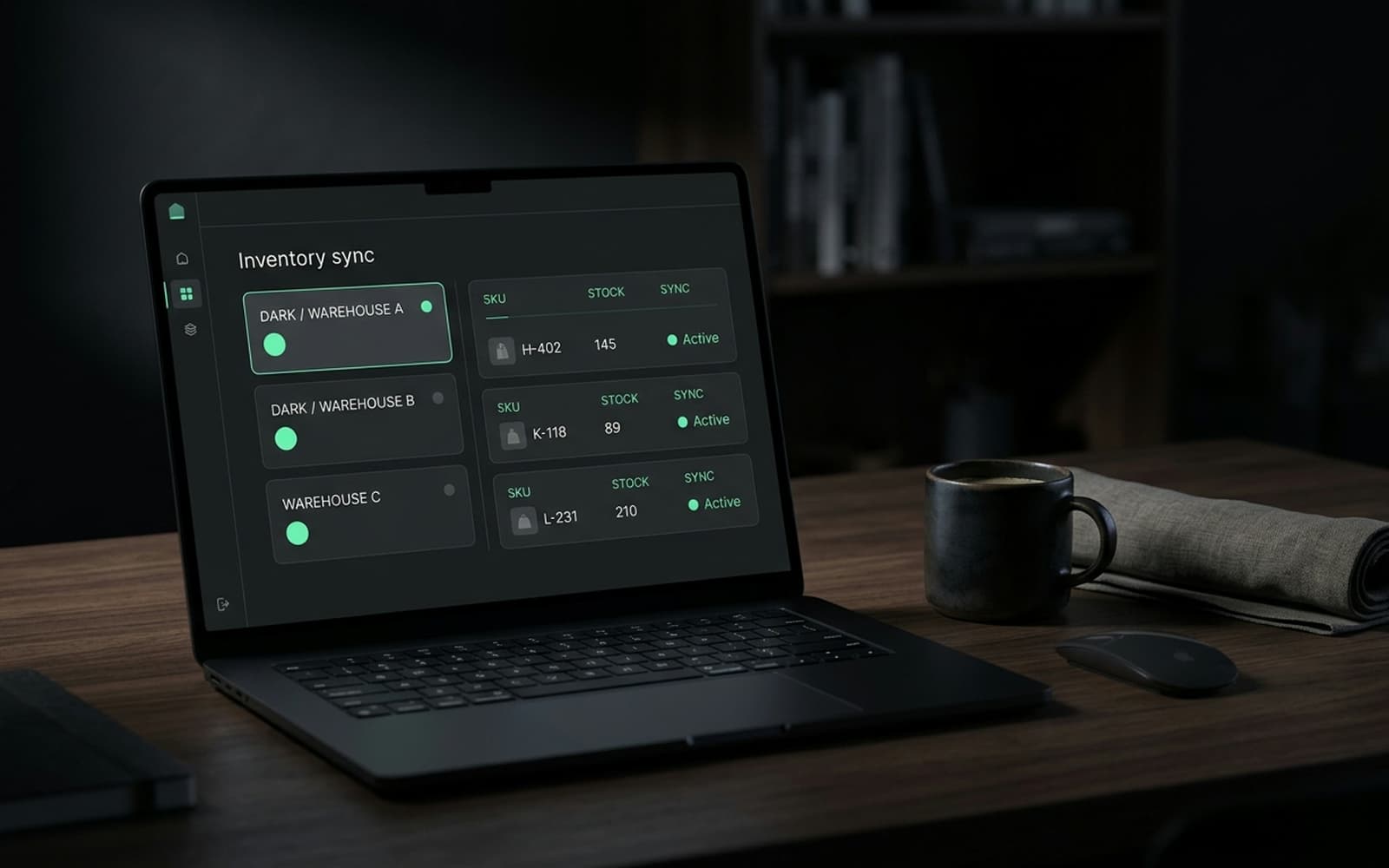
A dark operations dashboard showing live data flows between a store and backend systems.

Shopify ERP integration, whatever ERP you run

Orders out, stock and purchase orders back, ledger entries your finance team recognises. We integrate Dynamics, SAP Business One, Acumatica, Brightpearl, DEAR, Cin7 and ERPs nobody else has heard of.

140 stores built, 8 years on the platform, senior engineers only

Codioo connects Shopify to ERPs of every shape: Microsoft Dynamics, SAP Business One, Acumatica, Brightpearl, DEAR, Cin7 and in house systems. Orders flow out with payment and tax detail, inventory flows back per location, and financial postings map to your chart of accounts. Integrations start at $4,000 for two systems and ship in three to eight weeks with queues, retries and daily reconciliation.

What syncs between Shopify and your ERP

The four domains every ERP integration needs, plus the postings finance asks for.

Orders

Shopify to ERP

Paid orders become ERP sales orders with payment, tax, shipping and discount detail attached, in minutes.

Inventory

ERP to Shopify

Stock per warehouse flows back as levels change, mapped to Shopify locations including the buffer rules you set.

Customers

Both ways

Accounts sync with de duplication, respecting which system leads for which fields.

Purchase orders

ERP to awareness

Incoming stock becomes visible to your storefront planning, so launch and restock dates stop being guesses.

Financial postings

Shopify to ERP

Settlements, refunds, fees and payouts post as journal entries mapped to your accounts.

Product data

ERP to Shopify

SKUs, barcodes, cost prices and dimensions stay aligned, optionally mastered in the ERP.

Integration options

Three ways to connect Shopify and an ERP

The ERP's age and API surface usually decide the route before budget does.

Option 1

Native connector

Where your ERP vendor or Shopify's ecosystem ships one: cheapest, fastest, fixed mappings. Works for standard flows at moderate volume, and cannot express custom rules.

Option 2

iPaaS (Boomi, Celigo, Zapier)

Middleware with prebuilt connectors and visual flows. Fast to stand up across several systems, monitored for you, with subscriptions that scale and logic limits you will meet eventually.

Option 3

Custom API build

A service that speaks Shopify webhooks and your ERP's API, or its database or file drops for legacy systems, with your rules, retries and reconciliation. Yours outright, cheapest at volume.

Comparison of native connector, iPaaS and custom API integration
FactorNative connectoriPaaSCustom API build
Upfront costLowestMediumHighest
Ongoing costLowScaling subscriptionHosting only
Legacy ERP supportRareSome adaptersAny surface: API, DB, SFTP
Custom logicNoneLimitedUnlimited
Error visibilityMinimalVendor dashboardsYour alerts and runbook
OwnershipVendorVendorYou
Best forStandard, modern ERPMulti system speedControl and volume

The architecture, briefly

The mapping decisions that take the longest are never technical. Which field wins when the ERP cost price and the PIM cost price disagree. Whether a bundle is one item or five in the ledger. Which warehouse feeds which Shopify location. The flow audit turns each of these into a written rule with an owner, because the code is easy once the business has decided, and endless when it has not.

Change discipline is what separates integrations that last five years from integrations that get rewritten in two. Every mapping change is versioned, every ERP upgrade is rehearsed in a test window, and the reconciliation report doubles as a regression check after each change. None of this is glamorous, and all of it is why the operations team stops thinking about the integration at all, which is the goal.

On ownership and exit: the adapter, the queue and the reconciliation logic live in your repository and your infrastructure from day one. If you change agencies or bring the work in house, the next team inherits documentation, tests and a runbook instead of folklore. We consider that a feature of the engagement, not a risk to it.

Modern ERPs expose REST or GraphQL and the integration is plumbing. Legacy ERPs expose a database, a folder of CSV drops, or a proprietary socket, and the integration is plumbing plus diplomacy. We have built against all three surfaces. The pattern stays the same: an adapter that speaks the legacy surface, the same queue, the same retries, the same reconciliation, so the ugly part is contained in one well tested module instead of smeared across the build.

The discipline that decides whether an ERP integration survives its second year is not the happy path, it is the treatment of boundaries: warehouse counts that pause stock sync, flash sales that throttle order bursts, ERP upgrades that version endpoints, and the reconciliation window that catches a record dropped by any of them. Every integration we ship has these designed in and rehearsed, because finding them in production is how the spreadsheet ritual comes back.
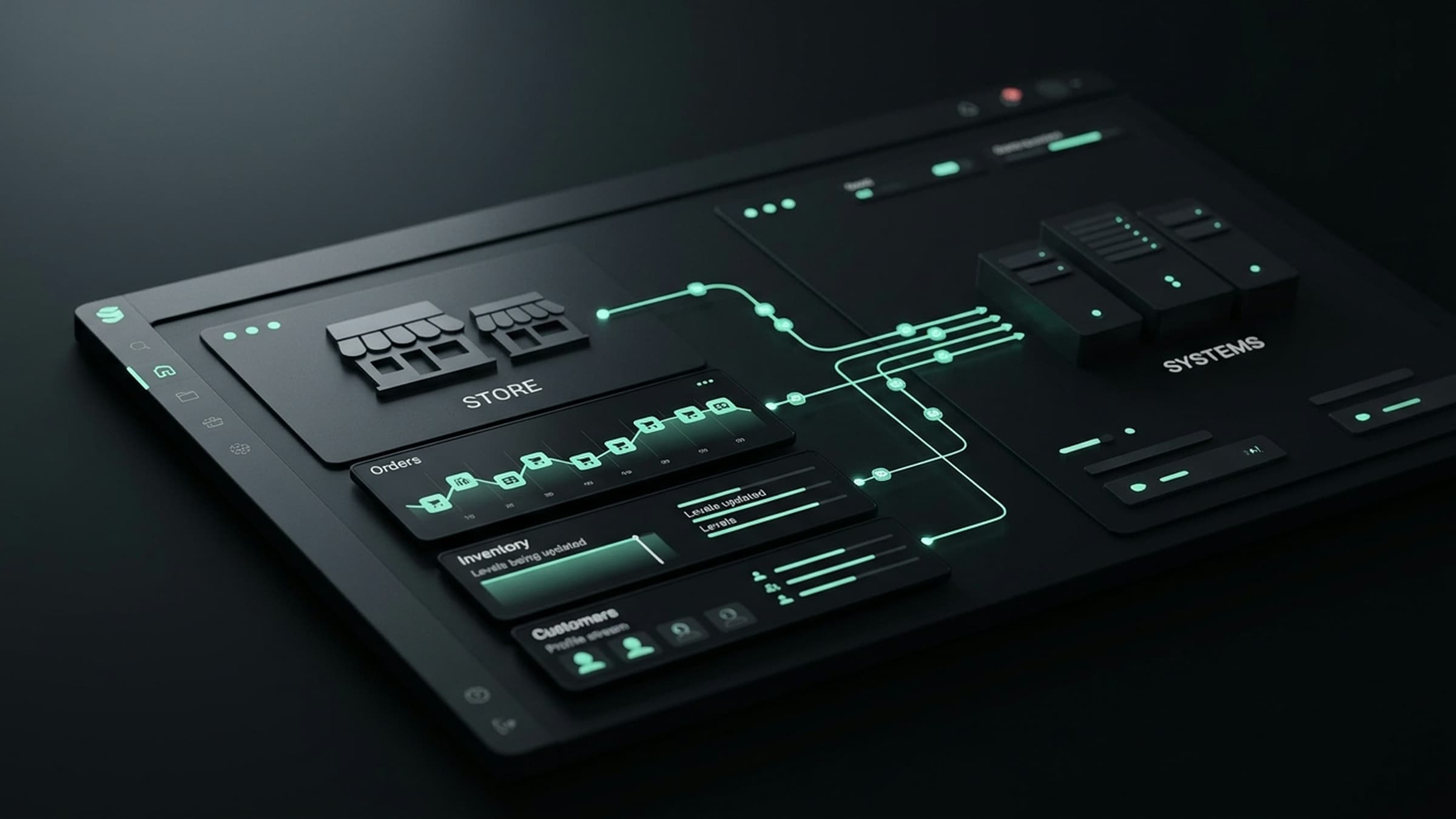

How the data flows between Shopify and your ERP
Diagram of order, stock and finance flows between Shopify and an ERP system.

How the shopify erp integration project runs

The same spine every time, sized to your ERP. Each step ends with something you can read, click or sign.

  1. Step 1

    Week 1

    Flow audit

    We map what actually happens today: data owners, volumes, timing, failure rituals. Ends with the fixed quote and the migration matrix.

  2. Step 2

    Week 1

    Route decision

    Native, iPaaS or custom, costed over three years at your volumes, written down and signed before anything is bought or built.

  3. Step 3

    Weeks 2 to 4

    Build against sandbox data

    Flows implemented with idempotency, retries and reconciliation from the first commit, rehearsed on shaped copies of your records.

  4. Step 4

    Week 4 or 5

    Failure drills

    We pull the plug deliberately: the target system slow, the network gone, a record malformed. The queue catches it, the alert names it, the runbook answers it.

  5. Step 5

    1 to 2 weeks

    Parallel run

    New sync and old process run together while daily reconciliation compares them. Switch off the old way only when the report is boring.

  6. Step 6

    Ongoing

    Care and version tracking

    Monitoring, reconciliation reviews and API release tracking for both ends, so upgrades land as maintenance instead of incidents.

Five signs your ERP integration is past its best years

Legacy integrations age quietly. Any one of these is worth an audit; two or more together usually justify a rebuild.

It runs on file drops

SFTP CSV exchanges were fine a decade ago. They batch, they break silently on schema drift, and they hide today's errors until tomorrow's run.

Nobody knows the mapping

The person who wrote the field mapping left, the documentation did not survive, and every new field becomes a research project.

Errors surface as customer complaints

When support learns about sync failures before ops does, monitoring has failed. Alerts should name the record and the reason before customers notice.

Workarounds accreted around it

A morning stock adjustment here, a manual order rekey there. Each workaround is the integration telling you it no longer fits the business.

The ERP upgrade broke it, twice

One broken upgrade is bad luck. Two is an integration welded to internals it should never have touched, and it will keep breaking.

Monitoring and reconciliation, in plain words

Every integration we ship carries the same three safety nets, regardless of route. First, alerting: when a record fails, the alert names the record and the reason, so your ops team fixes data, not code. Second, retries with a dead letter list: transient failures resolve themselves, and stubborn ones queue for a person instead of disappearing.

Third, daily reconciliation: a one page report comparing both systems on the trailing window, listing every mismatch. It is the difference between trusting a sync and hoping about it, and it is why finance teams become the integration's biggest fans after month end stops being a data entry project.

What your ops team sees

  • One screen of open exceptions, grouped by reason
  • A daily email that is boring when everything is fine
  • A runbook that says what to do for each failure type
  • Quarterly access and scope reviews in the care plan

Timeline and cost

ERP integration cost and timeline

Range reflects the ERP's API surface more than the number of flows.

Project typePrice fromTimelineWhat is included
Modern API ERP$4,0003 to 5 weeksOrders, inventory, customers, reconciliation
Legacy ERP (DB or SFTP)$6,0005 to 8 weeksAdapter layer, same flows, extra failure drills
ERP care plan$500/moOngoingMonitoring, reconciliation reviews, upgrades

Updated 2026-09-21. Prices in USD, fixed per signed scope. The cost guide covers what moves integration pricing.

Case study

Shopify ERP integration FAQ

The questions ops and finance teams ask before signing.

Our ERP has no API. Can you still integrate it?
Usually yes. Database replication, scheduled SFTP file drops and nightly exports are all workable surfaces; we wrap them in an adapter layer so the rest of the integration behaves like a modern one. What we cannot work with is a system that only a human can operate, and we will tell you that honestly in the audit.
How do you handle ERP upgrades?
Versioned endpoints and deprecation schedules are tracked as part of the care plan, with upgrades applied in a sandbox before they touch production. Because the adapter layer isolates the ugly parts, an ERP upgrade usually lands as a contained change instead of a rewrite.

Get a fixed quote for your shopify erp integration

Tell us your systems and volumes. Within one business day you get the flow map, the recommended route (native, iPaaS or custom) and a fixed price.

Stores built
140
Reply time
Within one business day
Cost
Free, no obligation

No obligation. We reply within one business day with next steps.